GT3

Ferrari 296 LMGT3

Professional SimHub Dashboard
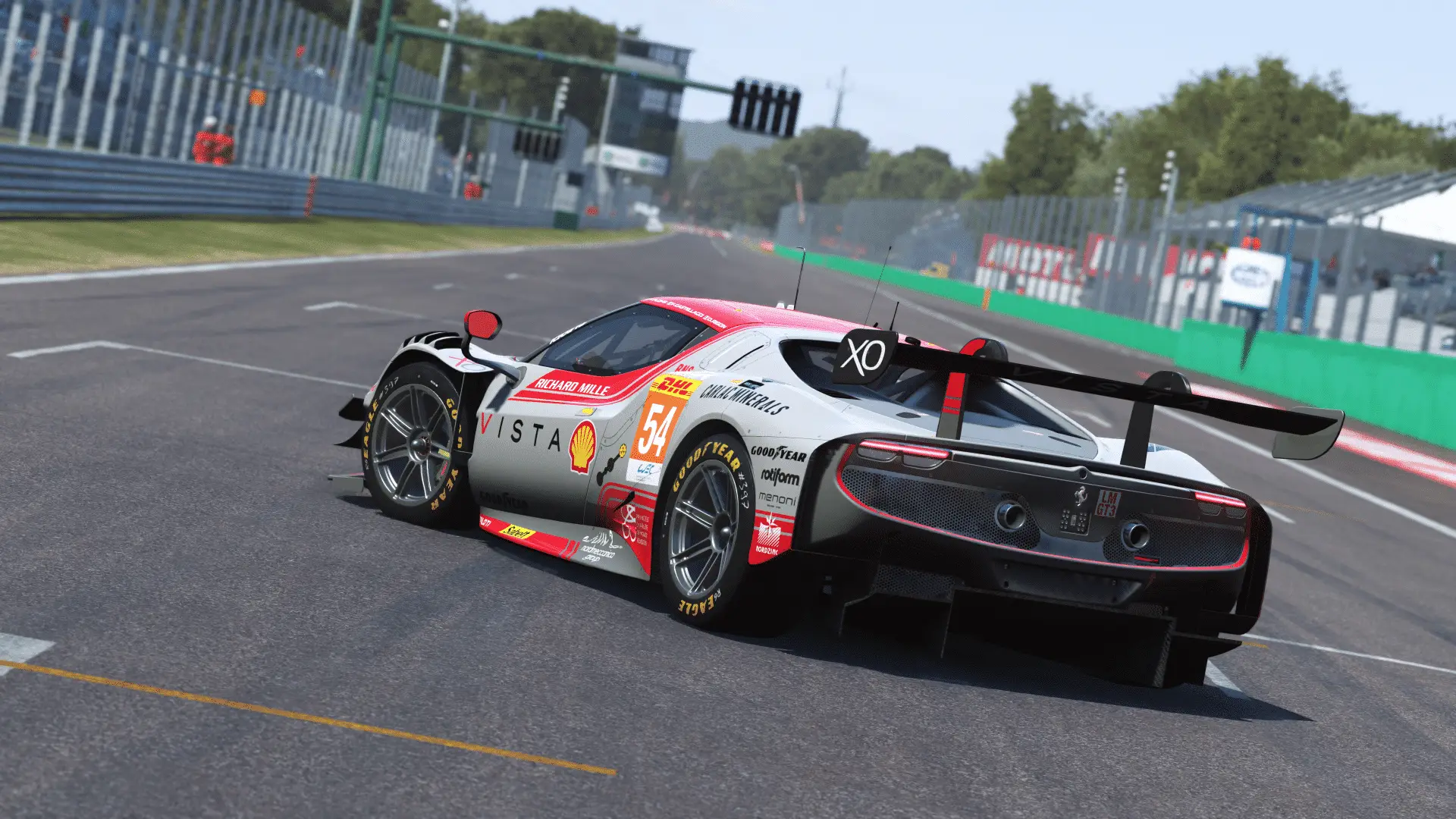
Ferrari 296 LMGT3 Dashboard Preview

Experience the Ferrari 296 LMGT3 like never before with our professionally crafted SimHub dashboard. Designed for competitive racing with precision telemetry and intuitive layouts that keep you focused on performance.

Dashboard Layouts

Specialized layouts designed for different racing scenarios, each optimized for maximum performance and clarity during intense racing sessions.

Dashboard in Action

Watch the Ferrari 296 LMGT3 dashboard in real racing conditions and see how it enhances your driving experience

1
Two Page Dashboard
Race & Extended Timing
A two-page dashboard with dynamic tyre, laptime, and fuel management indicators for precise race monitoring.
  • Action A: Switches tyre indicator between Pressures and Temperatures

  • Action B: Cycles between different laptimes

  • Action C: Acknowledges Fuel Alert when triggered

  • Fuel Alert: Appears when Virtual Energy < 15% (blinks under 10%)

  • Tyre Pressure Indicator: Blue = low, Black = normal, Red = high

  • Brake Temp Indicator: Blue = low, Black = normal, Red = high
Required SimHub Configuration

Please map the Next/Previous page buttons and Action A, B, C, D controls in SimHub for full widget functionality across all layouts.

Download Ferrari 296 LMGT3 Dashboard

Get the professional dashboard layouts for the Ferrari 296 LMGT3.
Important: the custom font required for this dashboard is provided as a separate download.

Installation Guide

1

Download Files

Download the dashboard package and install the custom font on your system.

2

Install Dashboard

Double-click the downloaded file and follow the SimHub modal instructions that appear.

3

Open SimHub

Launch SimHub and personalize your settings to make the dashboard perfectly match your setup.

4

Start Racing

Launch Le Mans Ultimate and enjoy your new professional dashboard setup!